

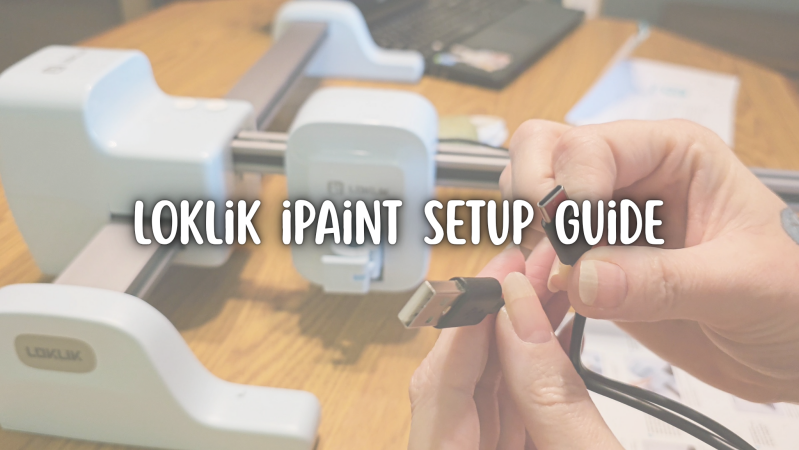
If you’ve been searching for a clear, beginner‑friendly Loklik iPaint setup tutorial, you’re in the right place. The iPaint is an exciting drawing machine, but if you’re new to it, the unboxing and setup process can feel a little confusing — especially since there aren’t many detailed guides out there yet.
That’s why I created a full step‑by‑step Loklik iPaint setup video that walks you through everything you need to know before starting your first project. From what comes in the box to assembling the machine, connecting it properly, updating your settings, and completing your very first draw, this guide covers it all.
Watch the full Loklik iPaint setup video here:
What You’ll Learn:
- What’s included with the Loklik iPaint
- How to assemble and connect your iPaint correctly
- The essential settings to check before your first drawing
- Tips for avoiding common first‑day mistakes
- How to get a clean, successful first project
If you’re ready to start using your Loklik iPaint with confidence, this guide will help you get set up quickly and avoid the guesswork.
Ad & Affiliate Link Disclaimer
Some posts on this blog contain affiliate links or advertising links. If you click through and make a purchase, I may earn a small commission at no additional cost to you. These commissions help support my creative work and the free resources I share with this community. I only recommend products and services I genuinely believe in and feel align with the heart of Sam’s Signature.
Add comment
Comments